Your fleet, one binary.
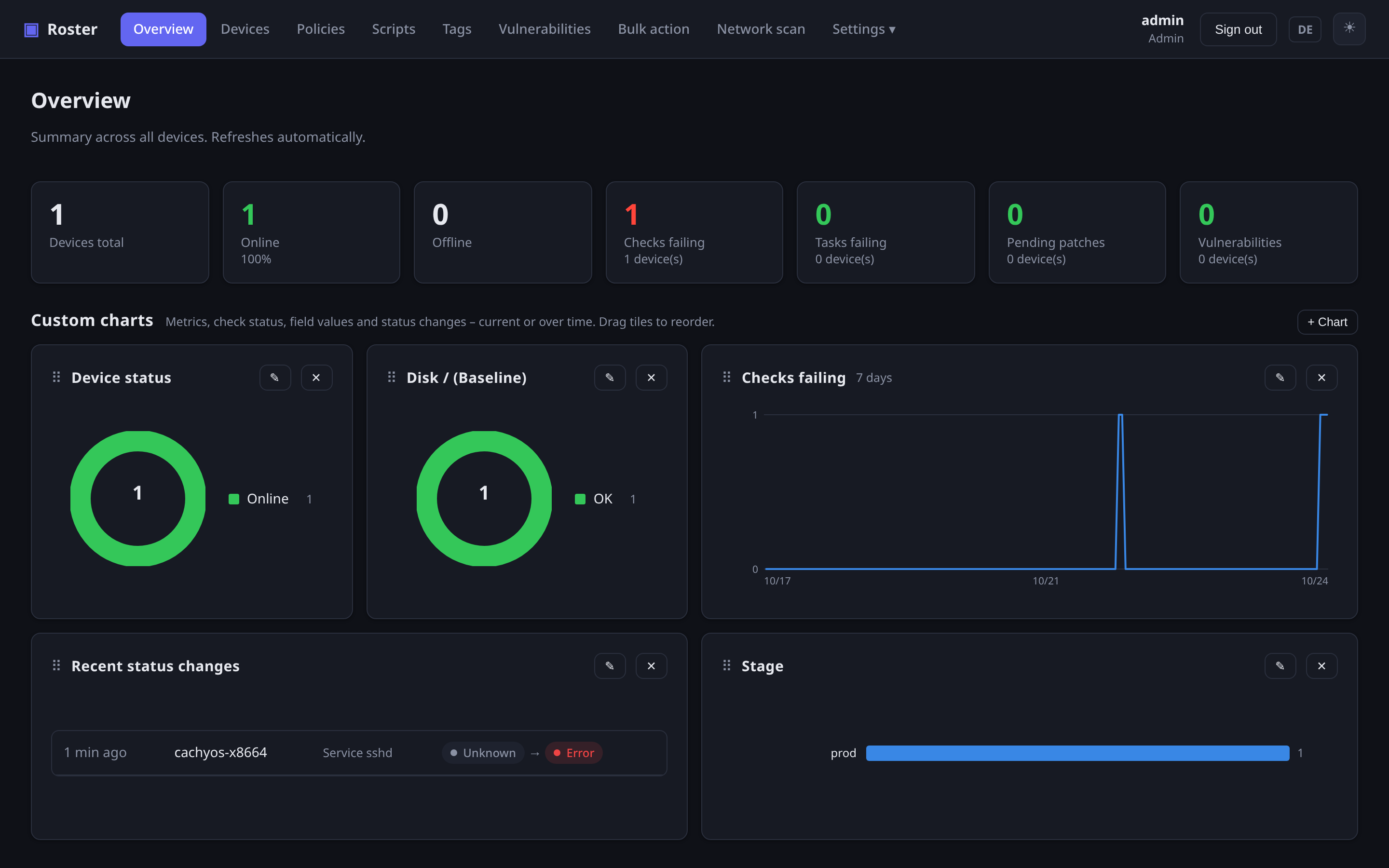
Roster is a self-hosted, TacticalRMM-style inventory & remote-management platform for Windows, Linux and macOS. One Go server with the web UI and all agents embedded, a lightweight agent per machine, nothing else to install.
curl -LO https://github.com/boonkerz/roster/releases/latest/download/roster-server-linux-amd64
chmod +x roster-server-linux-amd64 && ./roster-server-linux-amd64 run
MIT-licensed · SQLite out of the box, PostgreSQL optional · UI in English and German
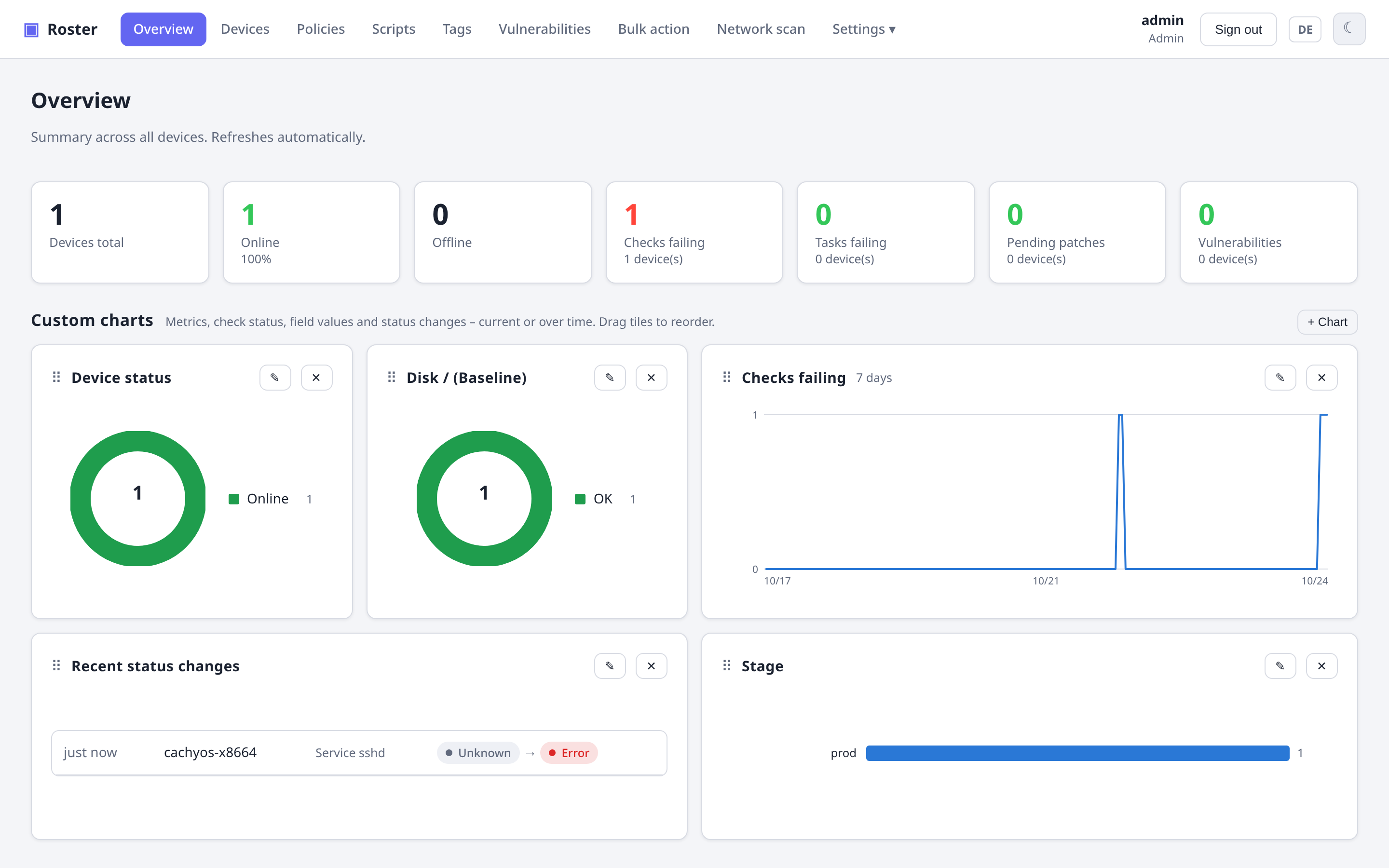
- One binary, self-hosted. No external services, no second daemon. Put it behind your reverse proxy or let it serve TLS itself.
- Cross-platform agents for Windows, Linux, macOS and FreeBSD, with auto-update on every new server release.
- Real remote control built in. Browser or native viewer, interactive terminal and file browser over one on-demand tunnel.
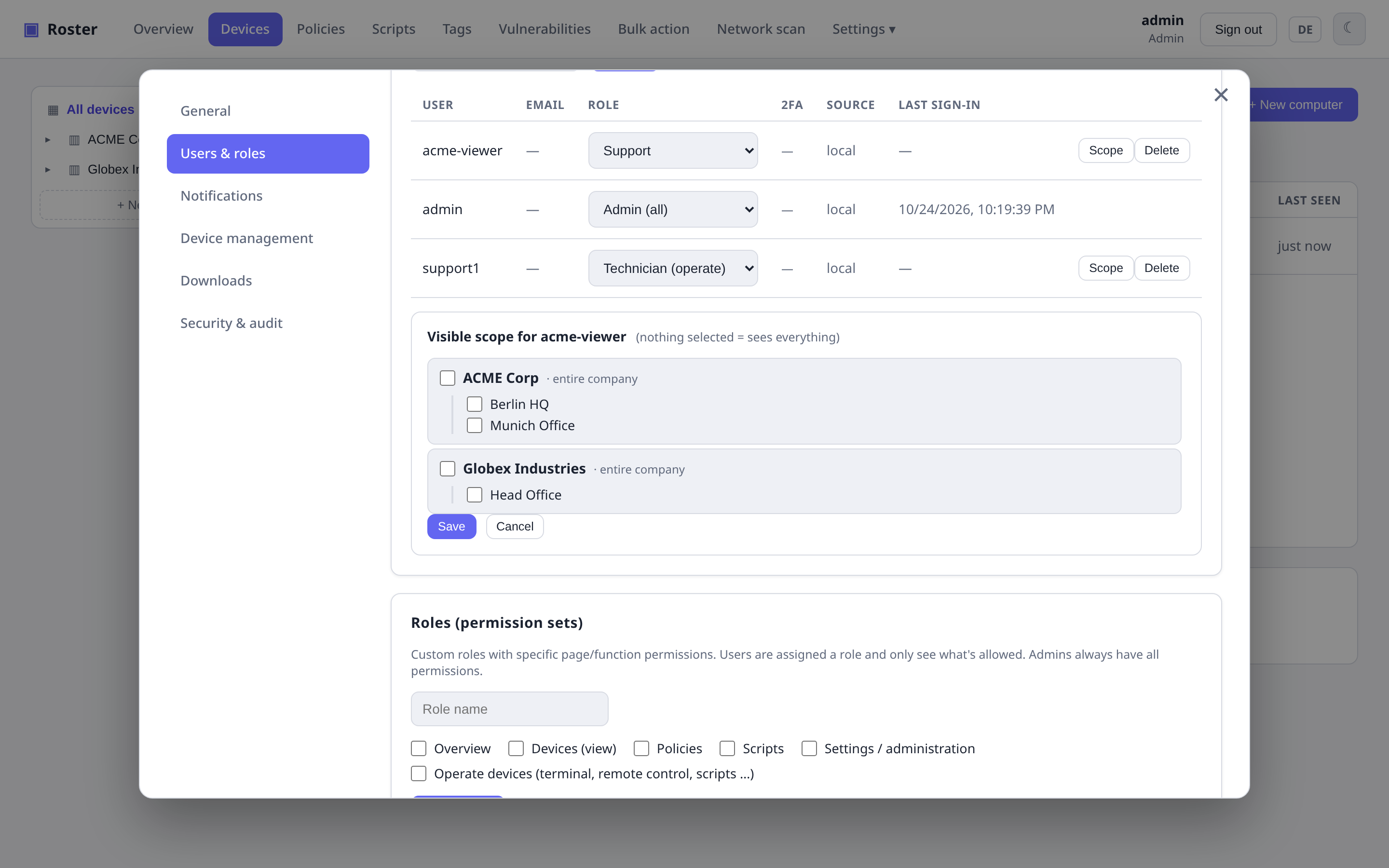
- Fine-grained access. Custom roles plus per-user company and site scope, two-factor login, audit log.
Everything an RMM needs
Checks, tasks and self-healing
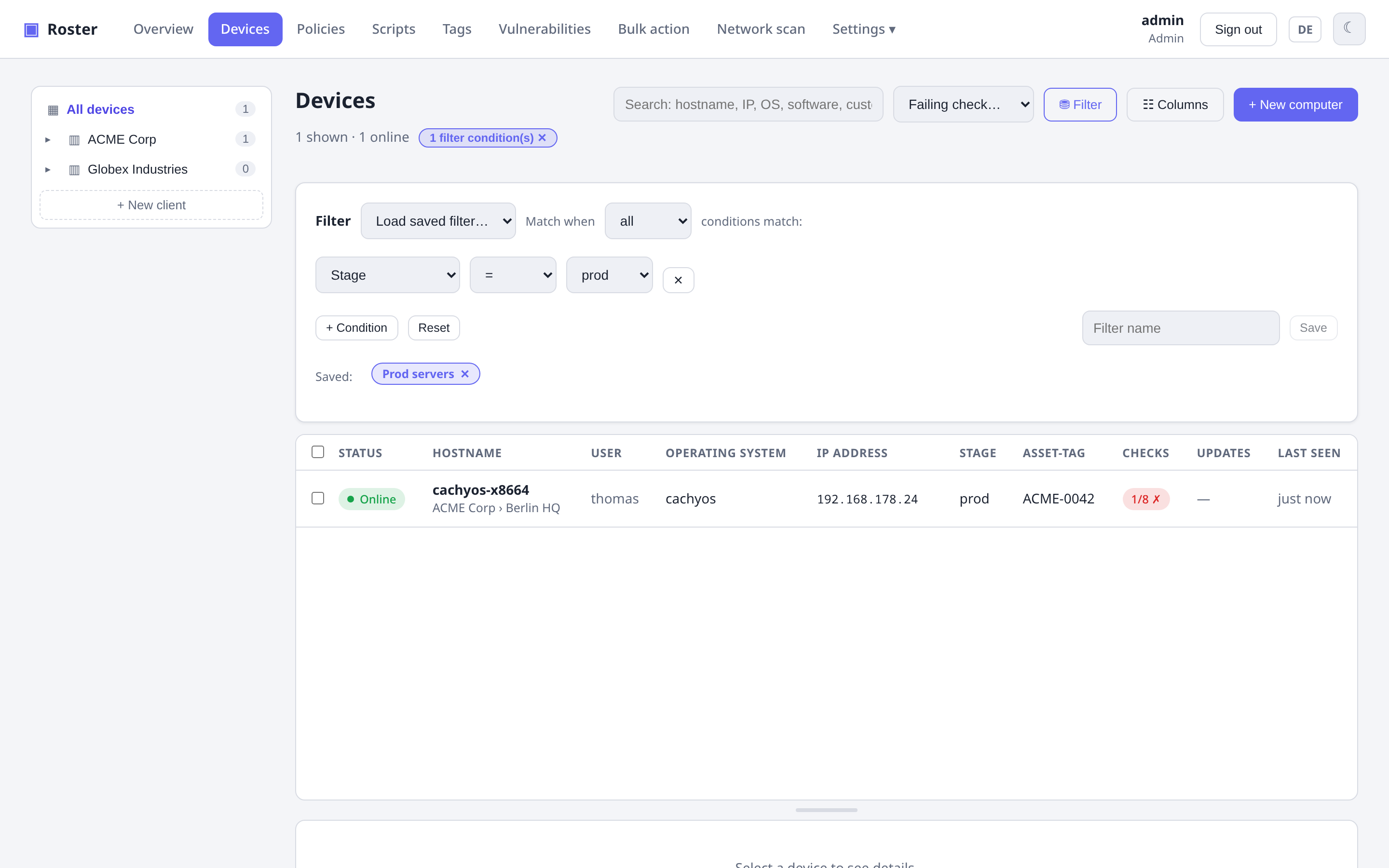
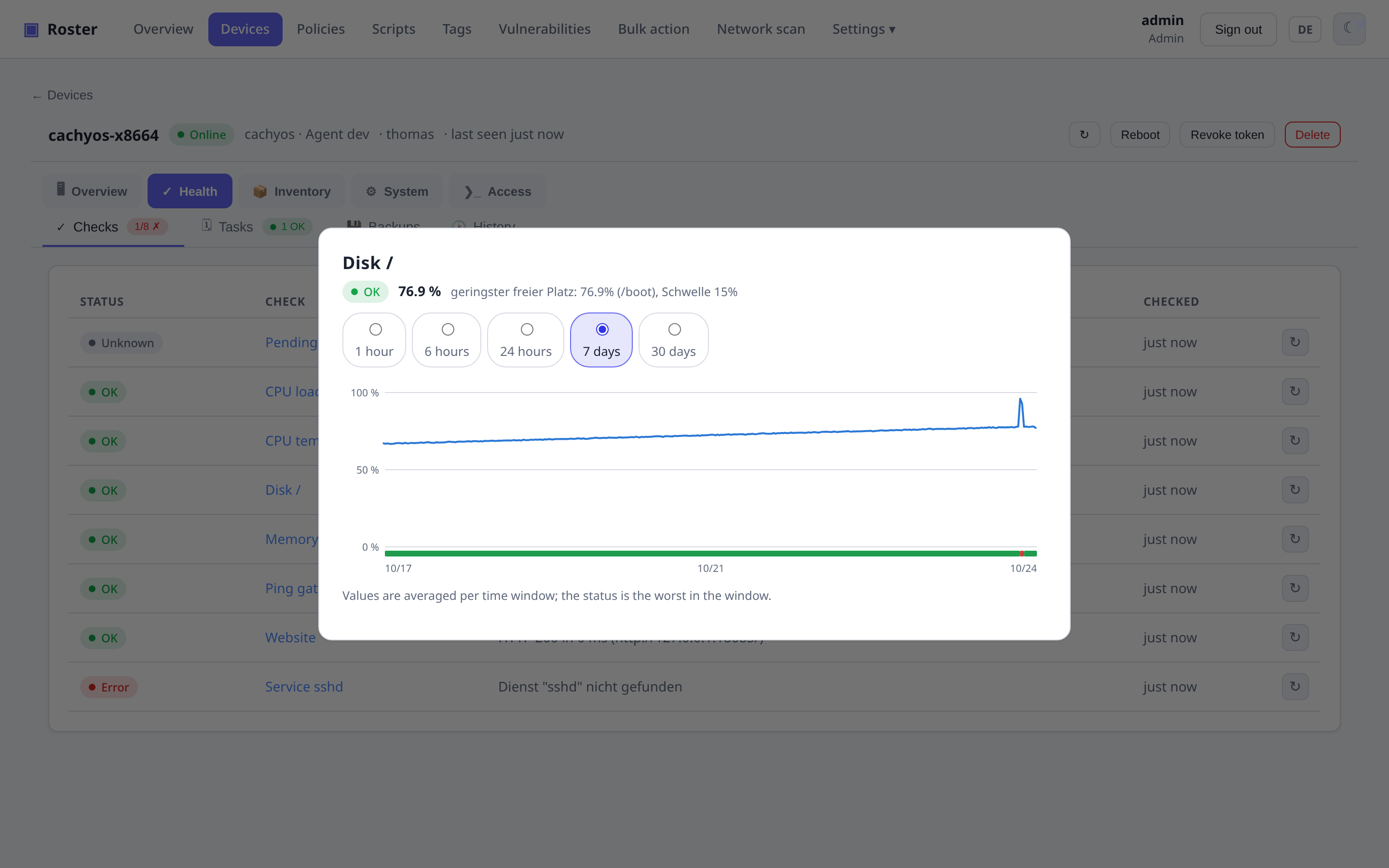
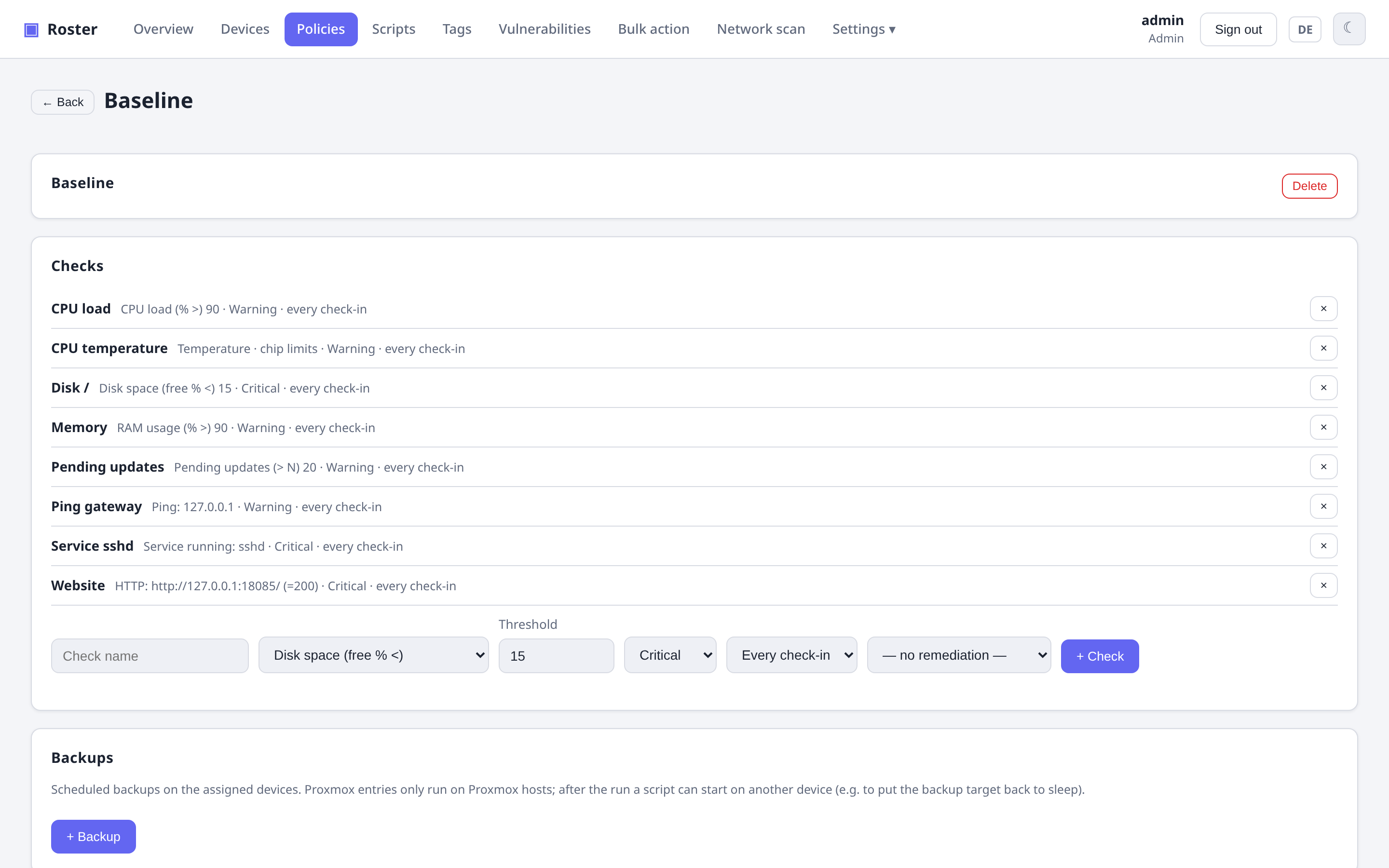
Disk, memory, CPU, updates, ping, TCP, HTTP, open ports, services, certificates, temperatures and your own scripts. Every result is kept as history, a click opens the chart. Failing checks can run a remediation script before anyone is alerted. Checks & tasks
Remote desktop, terminal and files
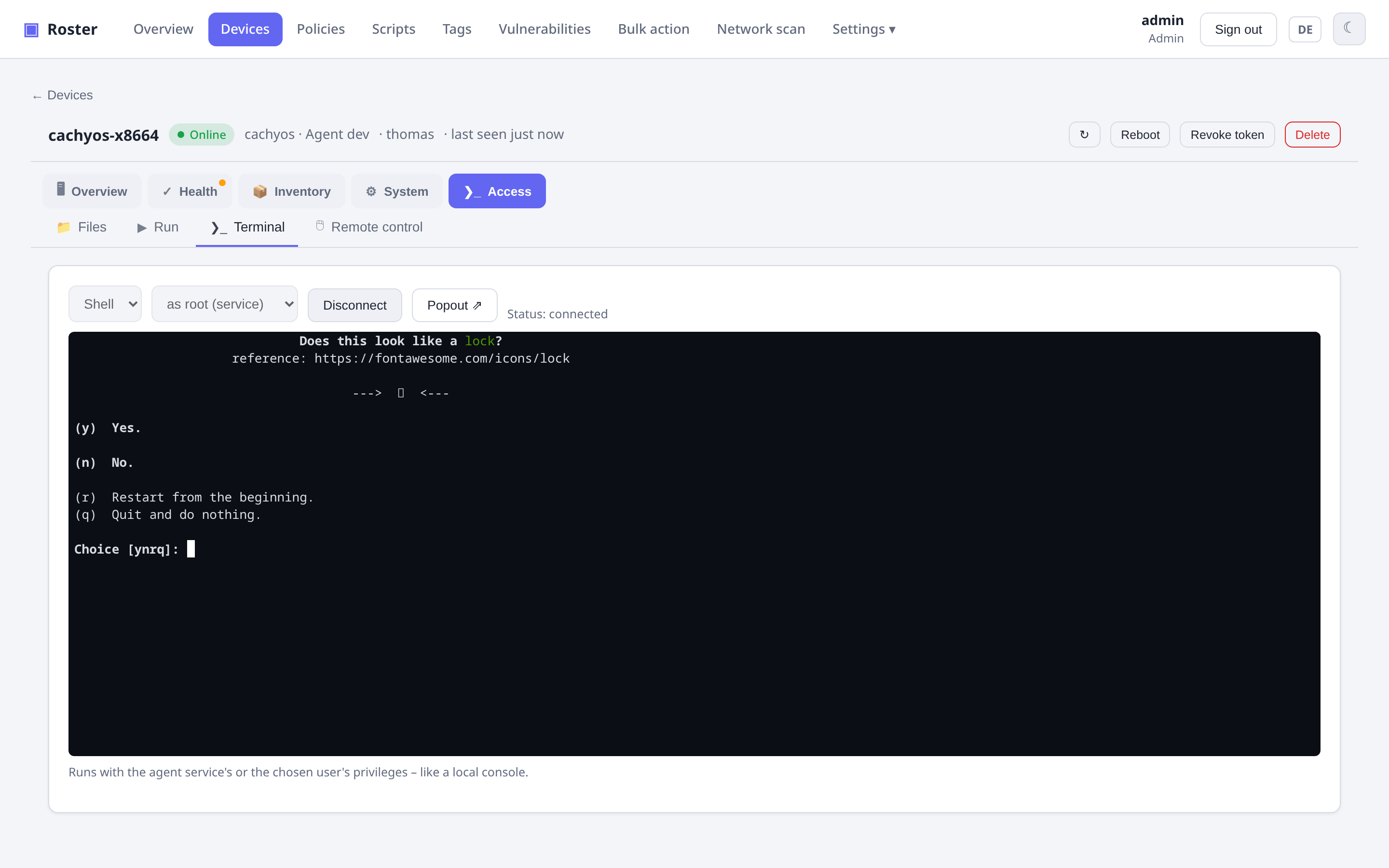
Take over a screen in the browser or in the native viewer, with live resolution switch and a real Ctrl+Alt+Del. Open an interactive shell or browse the file system over the same tunnel. No third-party VNC software, nothing exposed on the device. Remote desktop & terminal
Roles and data scope
Build custom roles from individual permissions and limit any user to specific companies or sites. Two-factor authentication, API tokens for the iOS app and an audit log are built in. Roles & permissions
Policies, patching and software
Assign checks, tasks and backups to companies, sites or single devices. Scan, approve and install updates, deploy packages, track CVEs of installed software. Patching & software
Network discovery and more
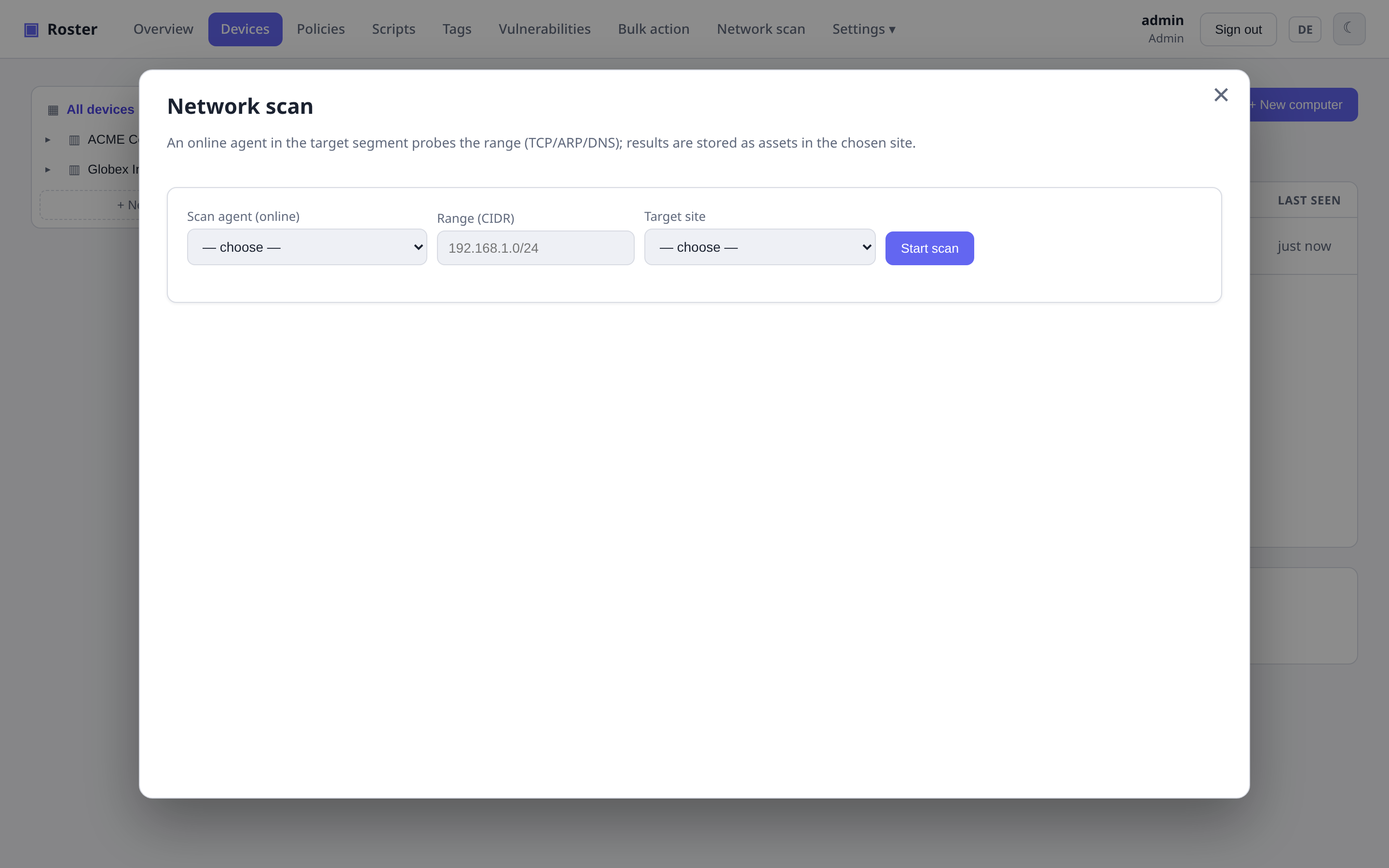
Scan a CIDR range, read printer details via SNMP, adopt unmanaged hosts. Proxmox VE hosts report their guests and backup state, scheduled backups run with start conditions and follow-up actions, and a taskbar app keeps the fleet one click away. Network & discovery · Proxmox VE · Taskbar app
Ready in a couple of minutes
Download the server binary, run it, enroll the first agent with the generated one-liner. The Getting started guide walks you through build, run, enrollment and organizing your fleet.